Manage your personal and workspace preferences.

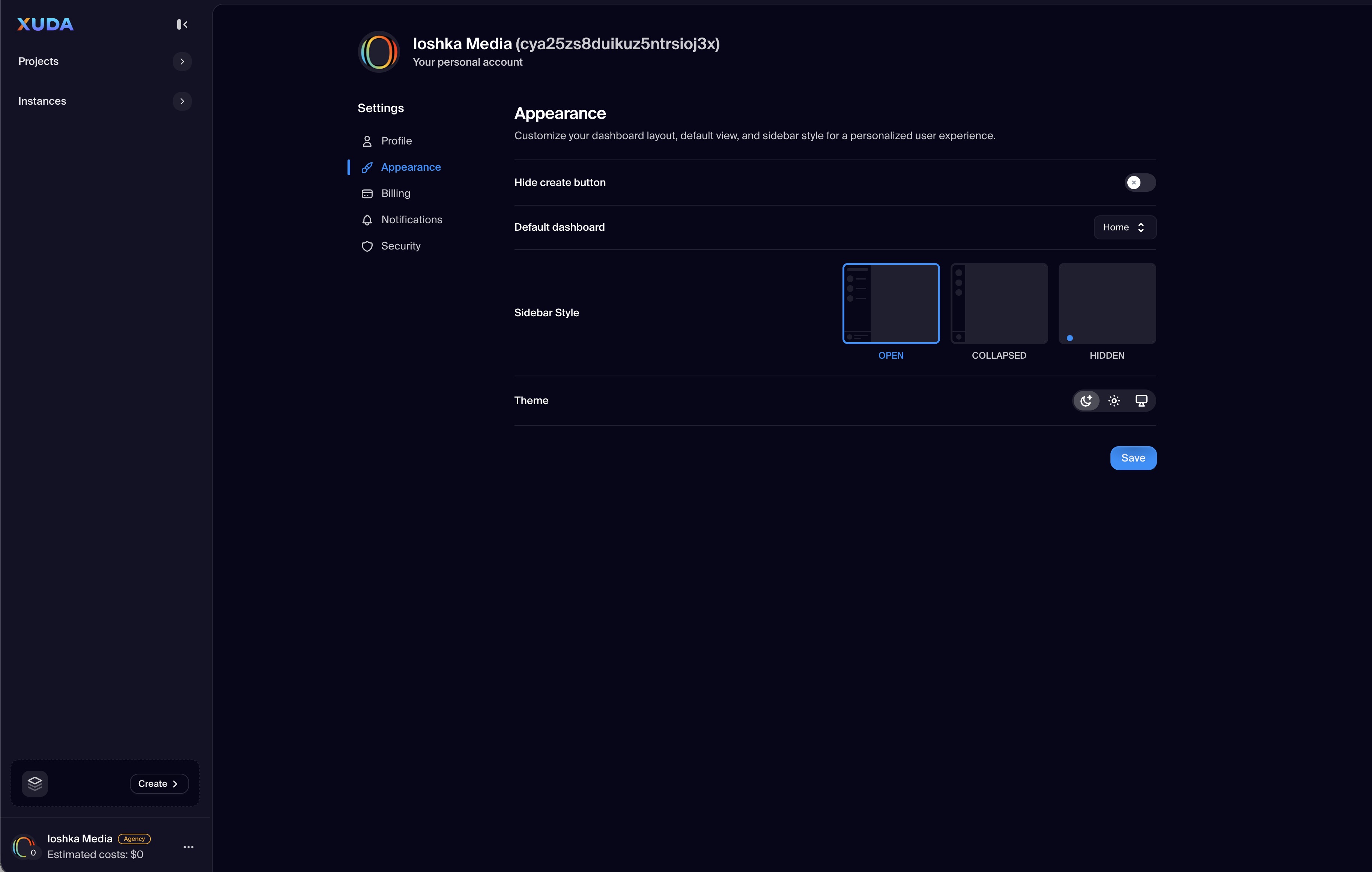
The User Dashboard Settings view allows users to configure and personalize every aspect of their Xuda account. Organized into intuitive sections, it covers profile management, interface preferences, billing details, notification control, and account security—all in one place.

The left-side navigation presents clearly defined tabs for Profile, Appearance, Billing, Notifications, and Security, enabling efficient switching between sections. This layout ensures that all essential account options are accessible without leaving the main dashboard context. Each section is designed to simplify configuration while maintaining full transparency and control over user data and preferences.

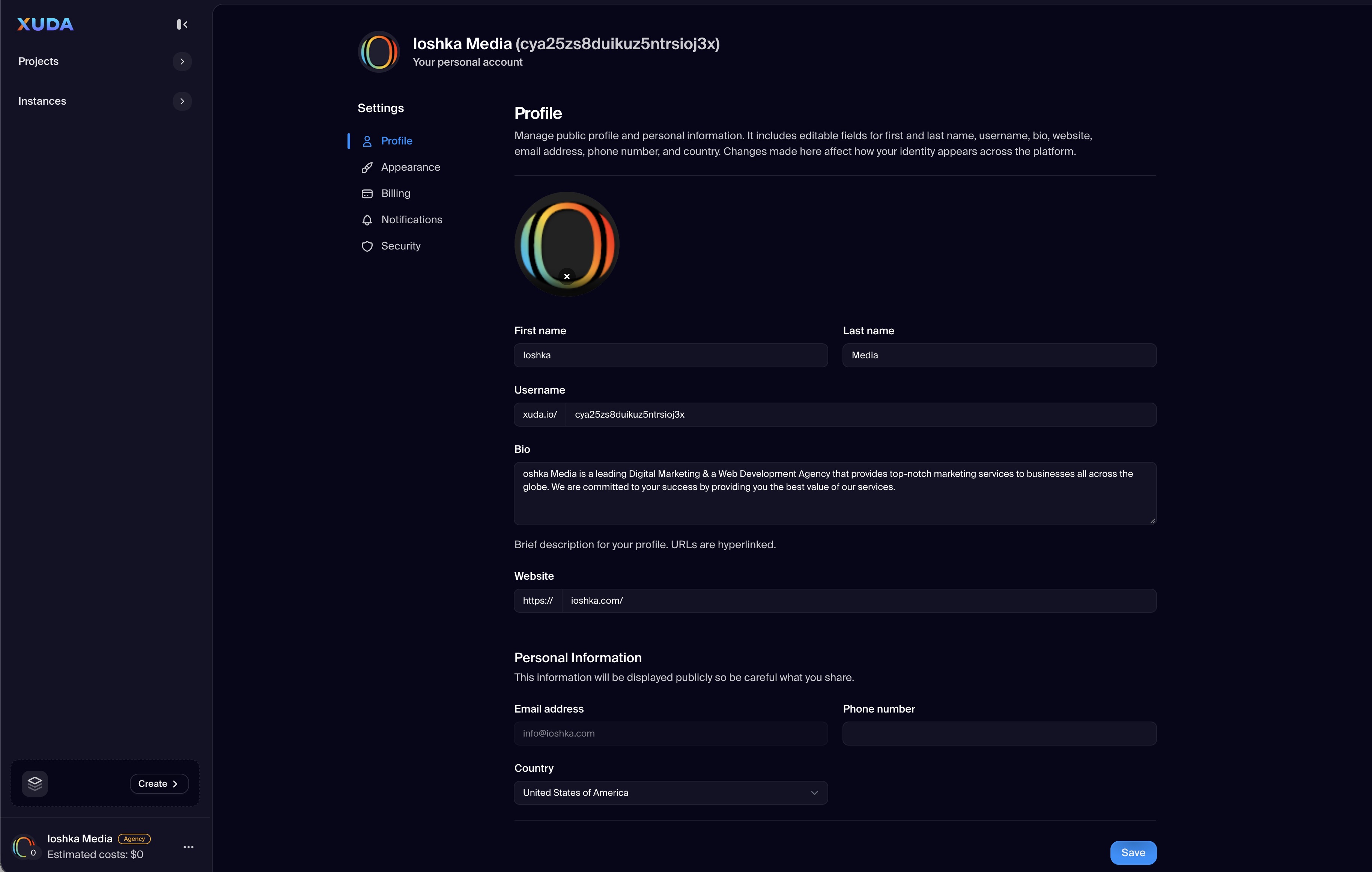
Profile Management

Update your personal details, workspace identity, and linked account information with clear input sections and live validation.

Appearance Preferences

Switch between light, dark, or adaptive modes, and personalize your visual workspace theme instantly.

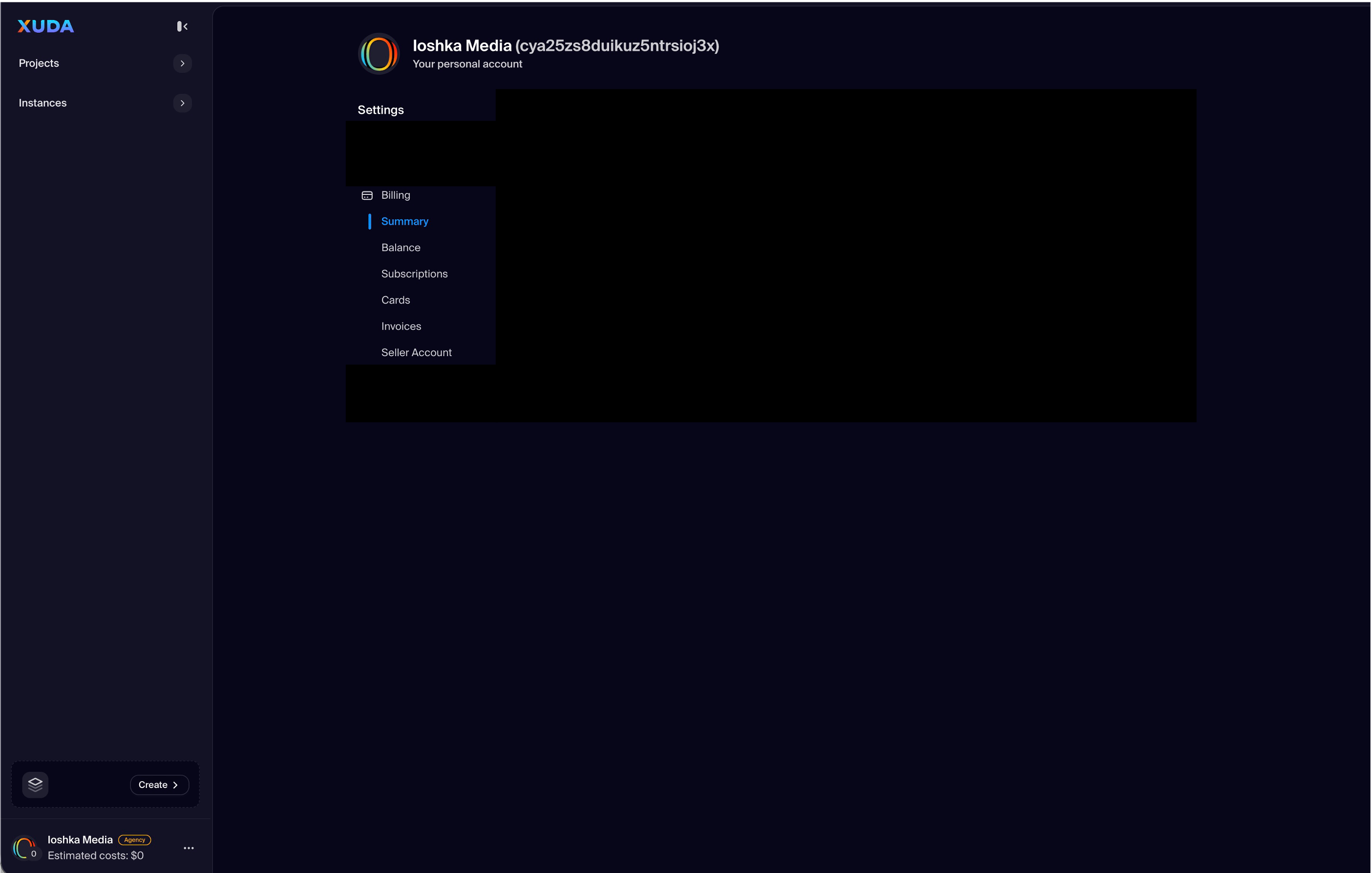
Billing & Subscription

Manage payment methods, view your plan details, and track estimated monthly costs from a transparent billing overview.

Notifications Center

Control alerts and email preferences with fine-grained options for system updates, billing events, and collaboration activity.

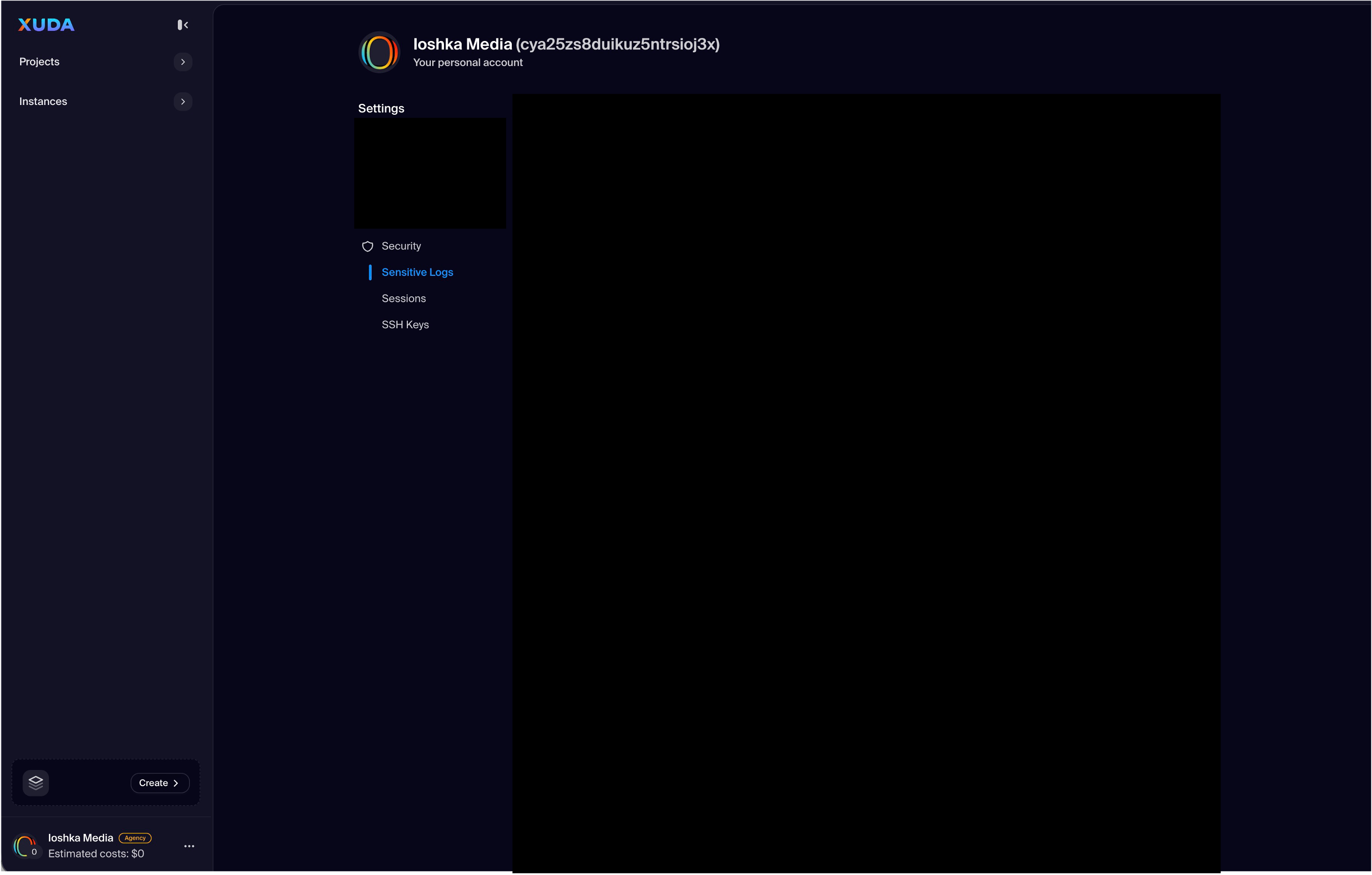
Security Controls

Enhance your account protection with password management, multi-factor authentication, and recent session review tools.
FAQs

It allows users to configure and personalize all aspects of their Xuda account, including profile details, appearance, billing, notifications, and security preferences.

The Settings view includes tabs for Profile, Appearance, Billing, Notifications, and Security—each offering dedicated tools for managing user and workspace preferences.

Yes. The Profile section allows you to update personal information such as your display name, email address, profile photo, and workspace details.

Yes. You can toggle between light and dark themes, adjust interface density, and configure layout preferences to match your workflow style.

The Billing section lets you update payment methods, view invoices, and monitor active subscriptions for your projects and deployments.

Yes. The Notifications tab provides granular control over email, push, and in-app alerts, allowing you to fine-tune which updates you receive and how they’re delivered.

In the Security section, you can manage session history, connected devices, two-factor authentication, and password changes for enhanced protection.

Yes. Workspace admins can configure global settings such as billing scope, theme defaults, and notification policies across all linked users.

Absolutely. The left-side navigation panel allows quick switching between Profile, Appearance, Billing, Notifications, and Security tabs without reloading the dashboard.

It centralizes all personal and workspace configurations in one interface, ensuring transparency, security, and ease of use for managing your Xuda account.

Develop. Deploy. Stay Productive.

Xuda is the platform for frontend developers, providing the speed and reliability innovators need to create at the moment of inspiration.

Schedule a demo