Protect your account with advanced access controls.
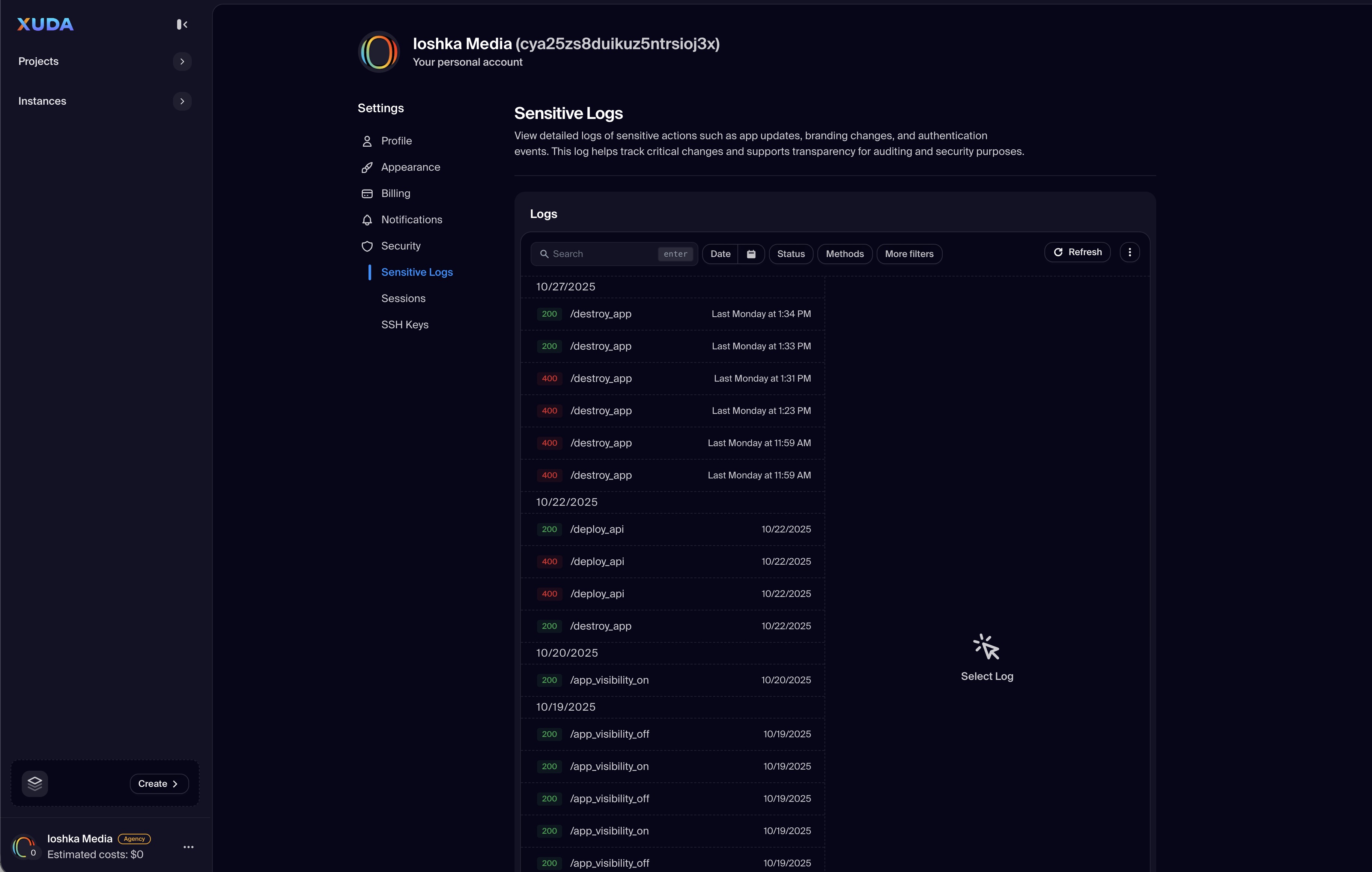
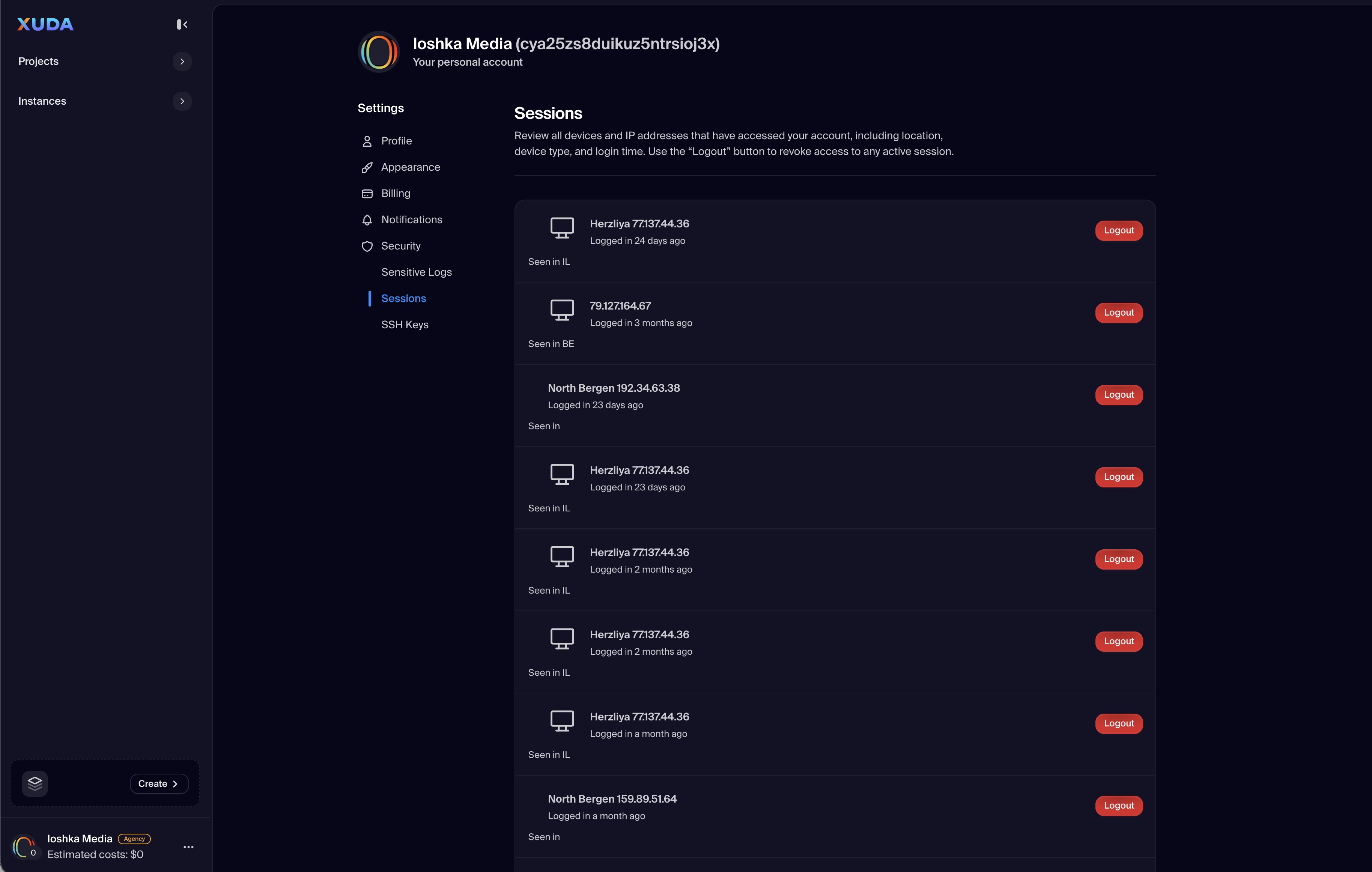
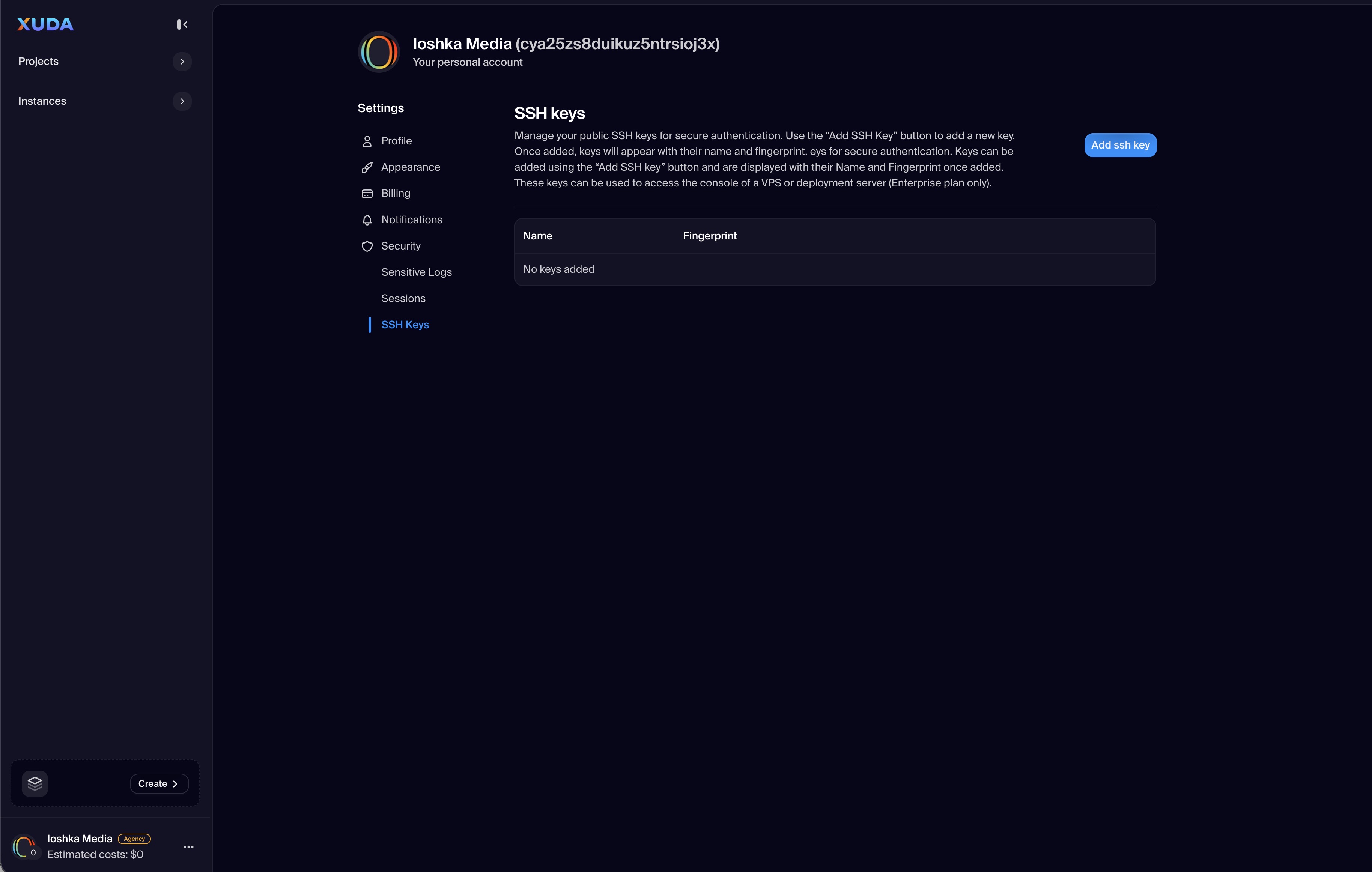
The Security section helps users manage authentication and access integrity for their Xuda account. From this interface, users can view Sensitive Logs, monitor active Sessions, and manage authorized SSH Keys. This centralized approach provides complete transparency and control over login activity and credential management.
Users can review sign-in locations, terminate unwanted sessions, and rotate SSH keys used for secure deployment access. The Sensitive Logs feature captures account-level security actions—such as password changes, API key usage, and login attempts—ensuring auditability and protection against unauthorized activity.
Sensitive Logs
Audit security-related activity such as password resets, API access, and login attempts in real time.
Session Management
View all active login sessions with timestamps, IP addresses, and devices; revoke access instantly if needed.
SSH Key Management
Add, view, or remove SSH keys associated with deployments and projects for secure remote access.
Real-Time Alerts
Receive notifications for new device logins, revoked sessions, or failed access attempts to stay informed of changes.
Enhanced Authentication
Integrate with multi-factor authentication or hardware keys to strengthen account protection across environments.
Xuda is the platform for frontend developers, providing the speed and reliability innovators need to create at the moment of inspiration.