Transparent costs, simple controls.

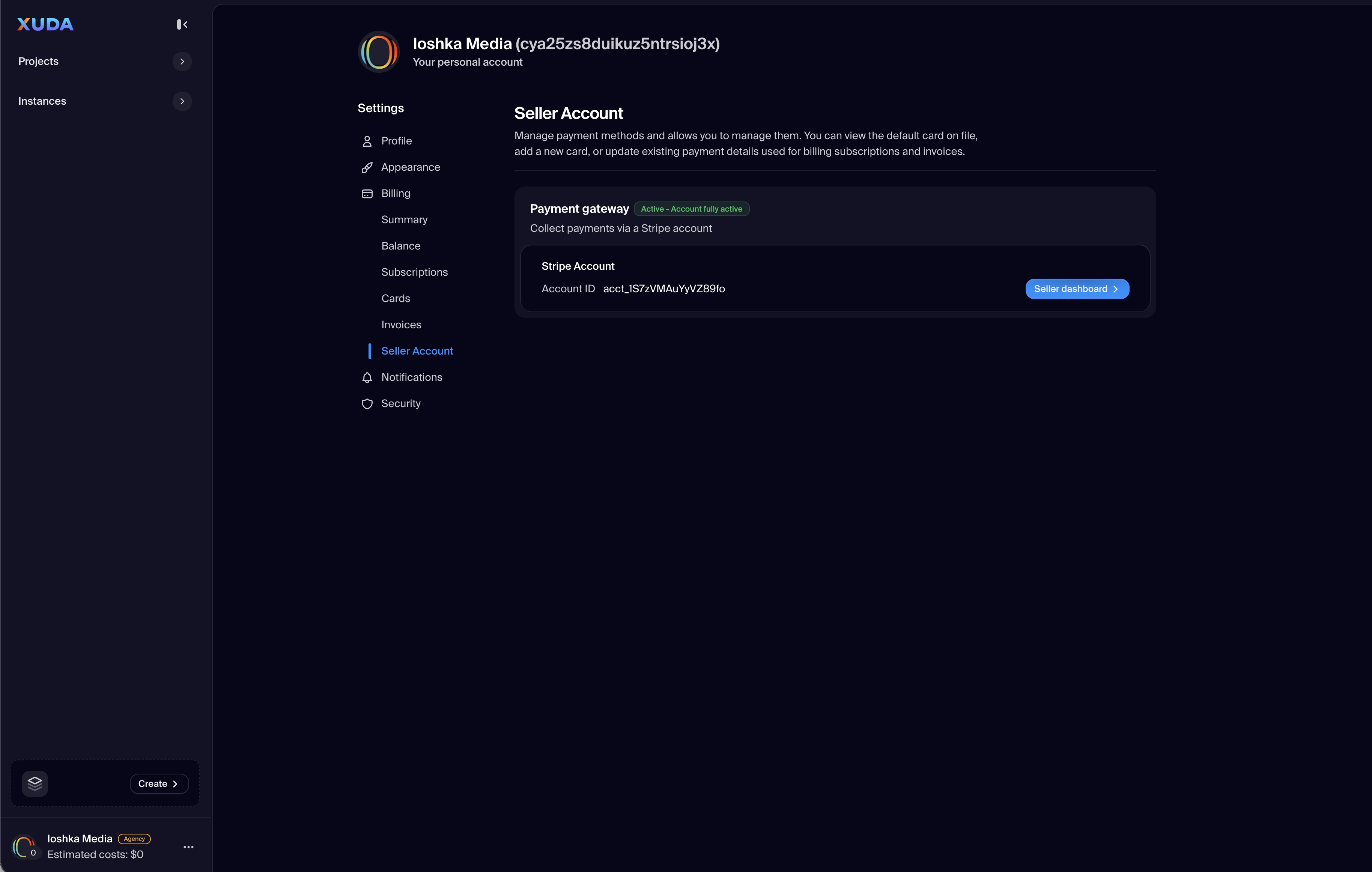
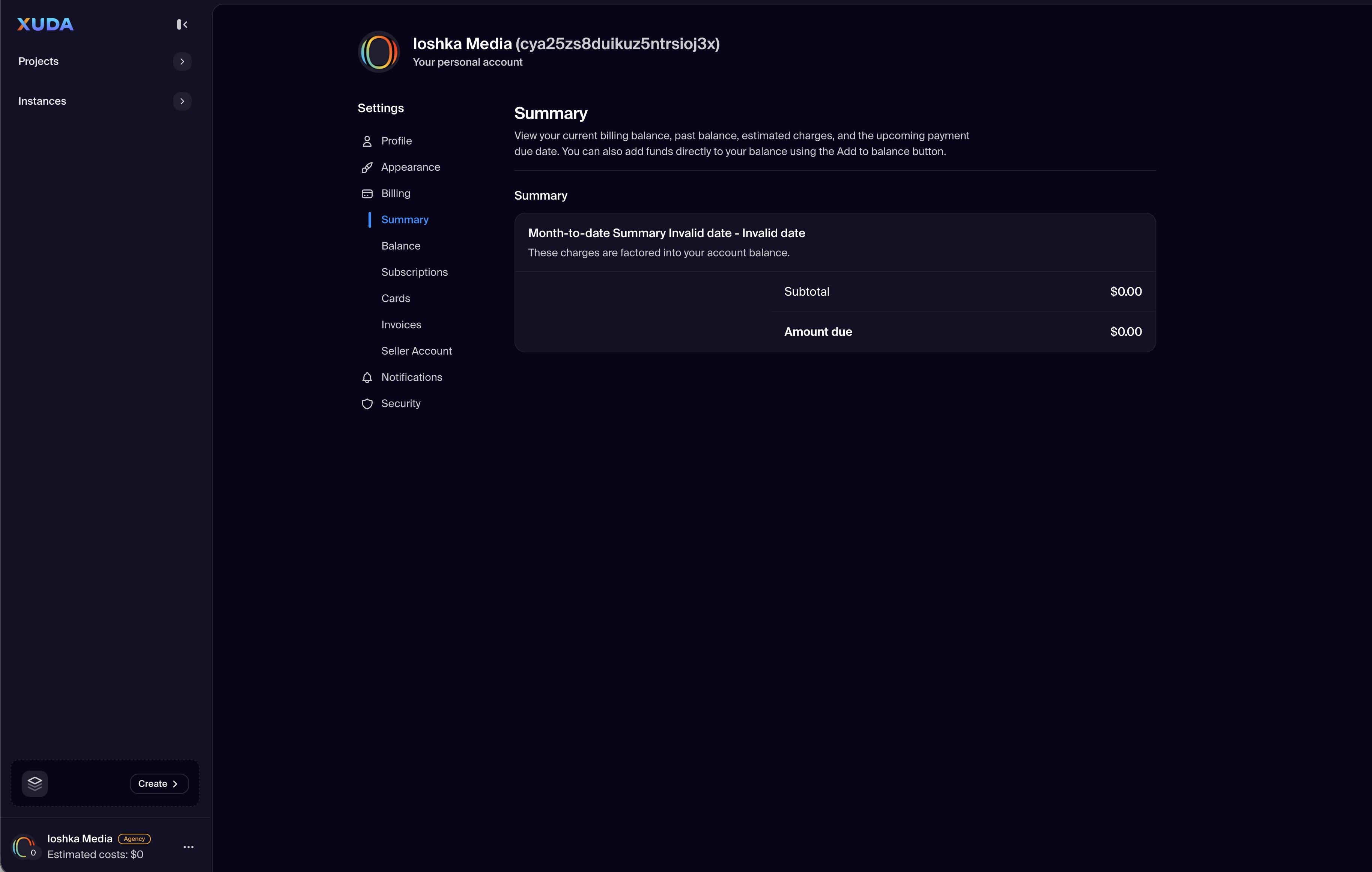
The Billing section centralizes all payment and revenue operations for your Xuda account. A left-side submenu lets you switch between Summary, Balance, Subscriptions, Cards, Invoices, and Seller Account. From here you can review current usage and charges, update payment methods, manage plans, export invoices for accounting, and enable payouts if you sell on the marketplace.

All billing actions are secure and auditable, with clear status indicators and downloadable records to simplify finance workflows for teams and agencies.

Summary

At-a-glance view of plan, current cycle, upcoming charges, and quick actions.

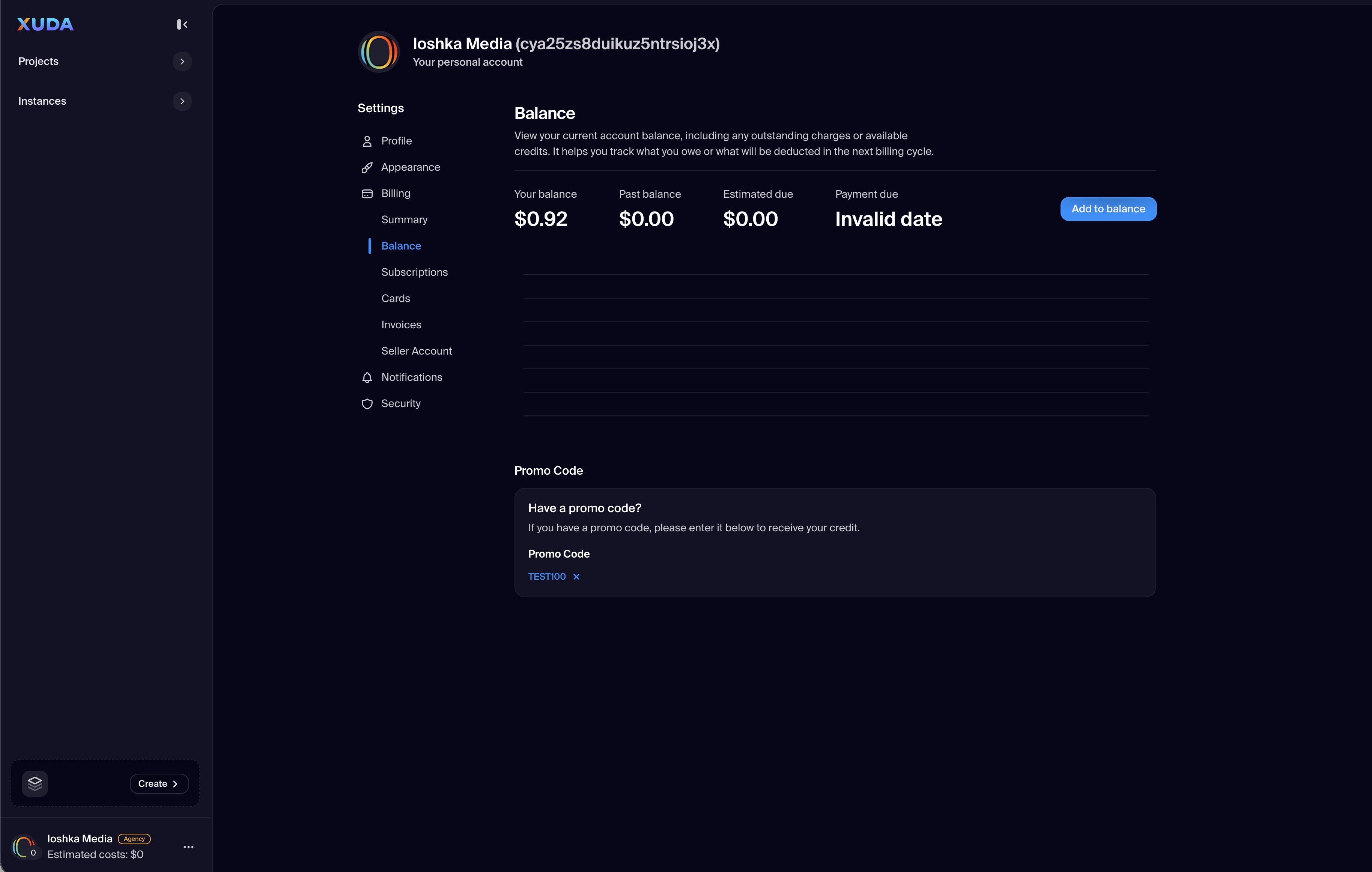
Balance

Track outstanding amounts, credits, and adjustments with date filters and export.

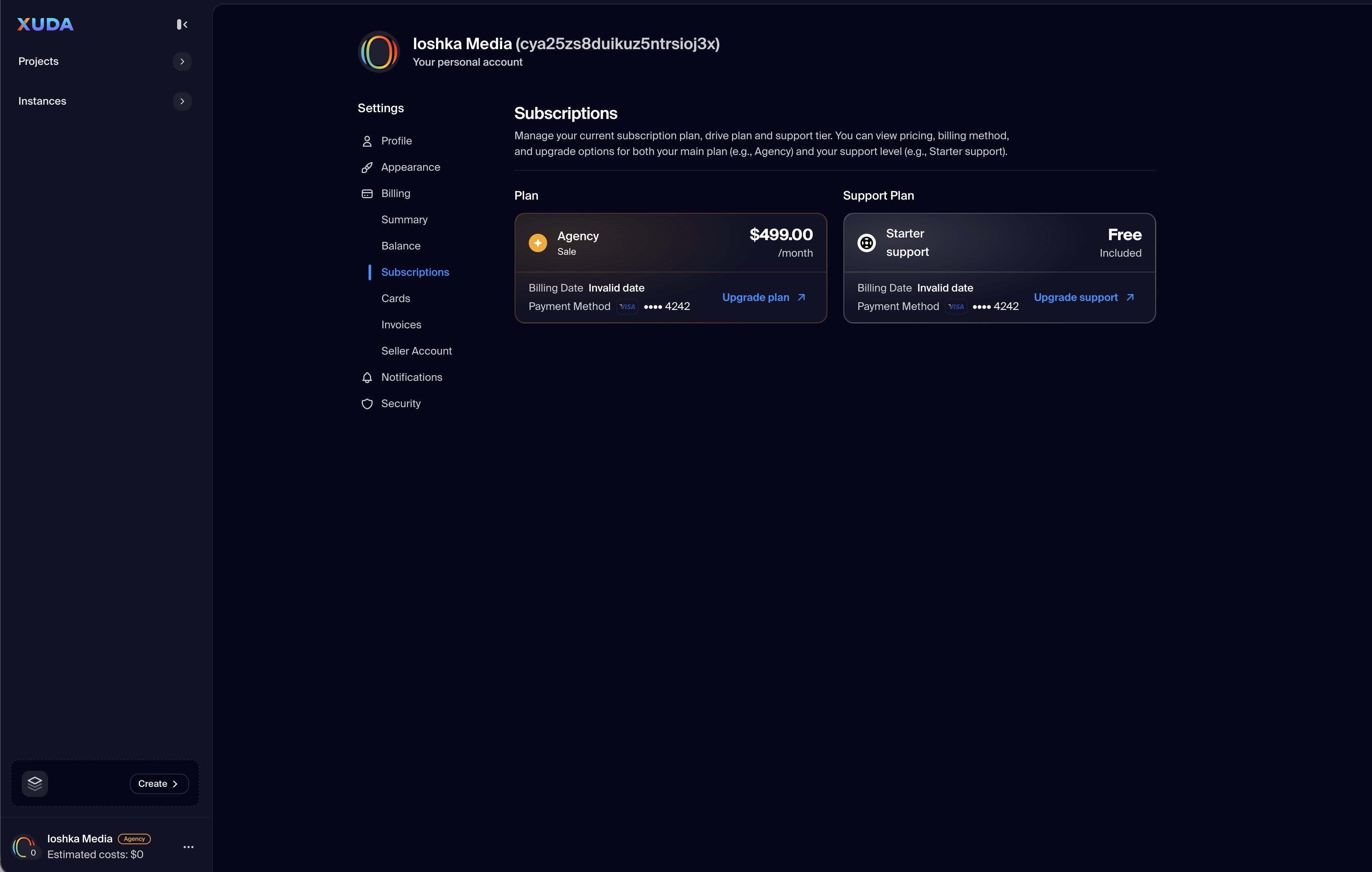
Subscriptions

Manage plan tier, seats, and add-ons. Change, pause, or cancel with pro-rated calculations.

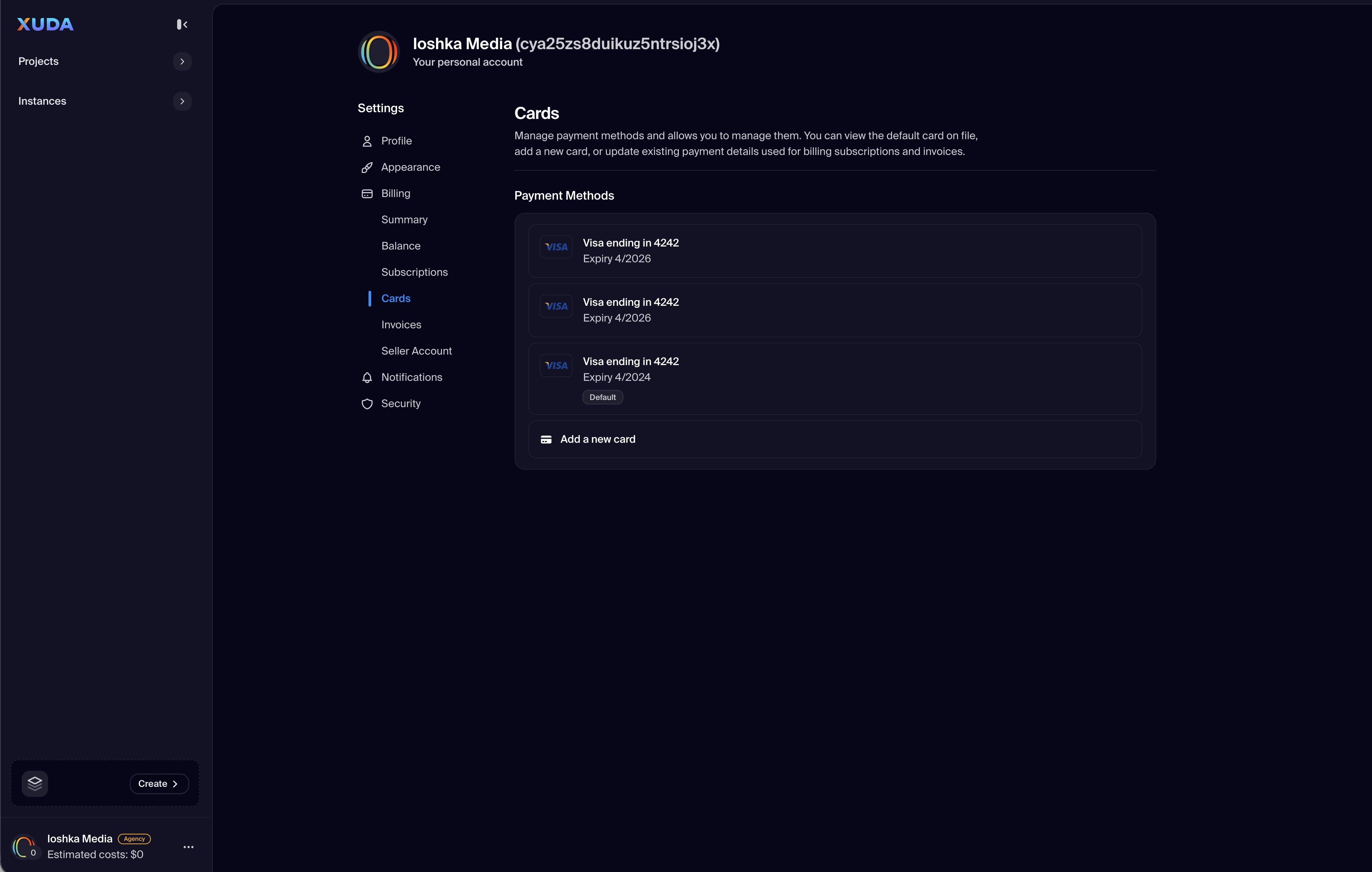
Cards & Payment Methods

Add, verify, or remove cards; set a default payment method and view last charge status.

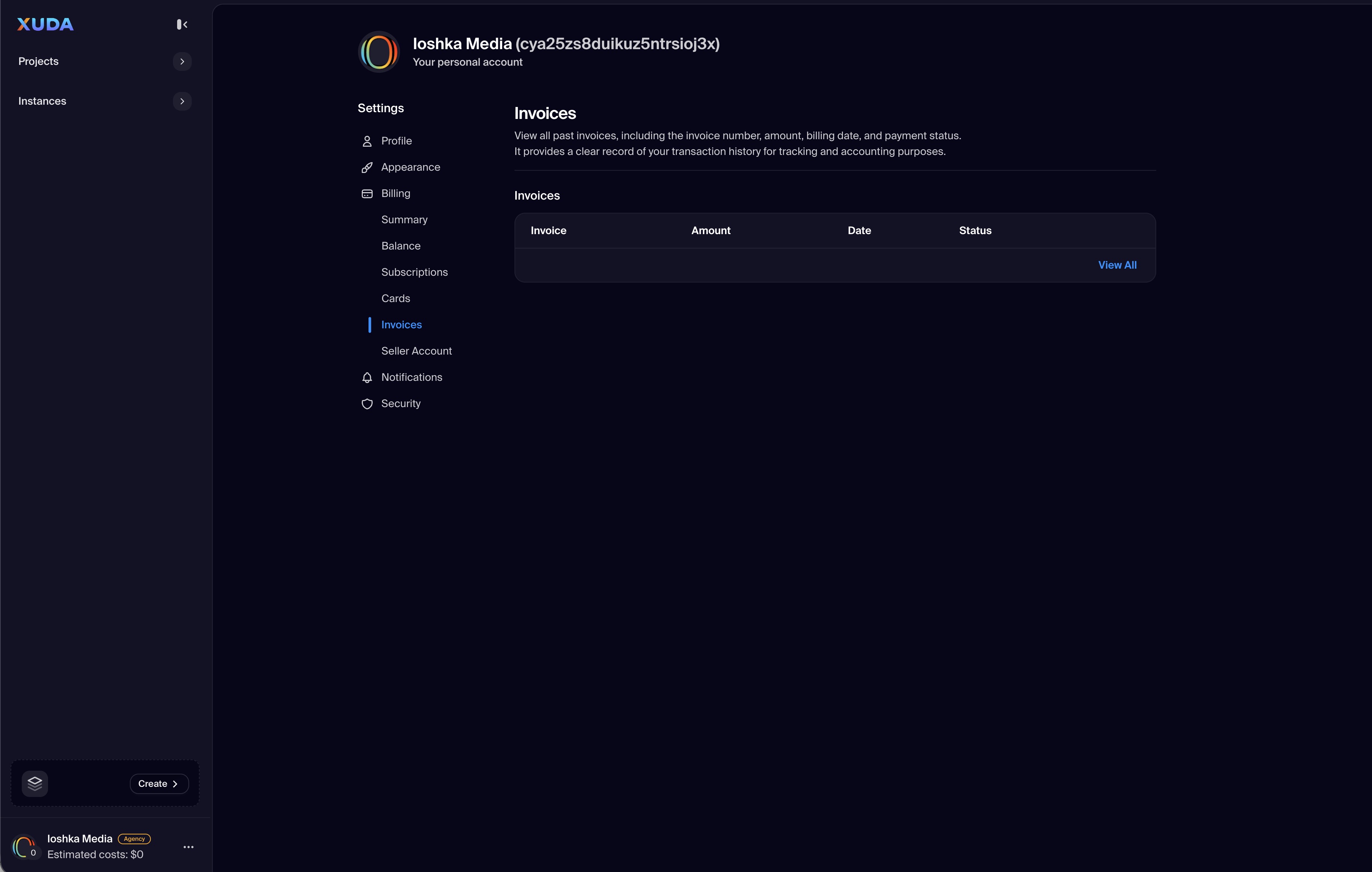
Invoices

Browse and download PDF invoices with line-item usage and VAT/Tax details.

Seller Account

Enable marketplace payouts: complete KYC, link bank accounts, and monitor earnings.
FAQs

The Billing section provides a centralized hub for managing payments, subscriptions, and marketplace revenue within your Xuda account.

The submenu includes Summary, Balance, Subscriptions, Cards, Invoices, and Seller Account—each dedicated to a specific financial function.

Yes. The Summary and Balance tabs display real-time usage metrics, current charges, and payment history for your account or workspace.

Navigate to the Cards tab to add, remove, or update payment cards. All payment data is securely stored and encrypted for safety.

Yes. The Subscriptions tab allows you to view, upgrade, downgrade, or cancel your active plans with transparent pricing and renewal dates.

Invoices can be viewed and downloaded in PDF format from the Invoices tab, making it easy to share records with your accounting team.

Yes. If you sell on the Xuda Marketplace, the Seller Account tab lets you configure payout settings, link banking information, and track earnings.

Absolutely. All billing operations are logged with clear status indicators and accessible records to ensure transparency and compliance.

Yes. The Balance section provides a full transaction history, including past payments, credits, and adjustments to your account balance.

It simplifies financial management by unifying subscriptions, payments, and revenue tracking in one secure and transparent interface.

Develop. Deploy. Stay Productive.

Xuda is the platform for frontend developers, providing the speed and reliability innovators need to create at the moment of inspiration.

Schedule a demo