Stay informed, your way.
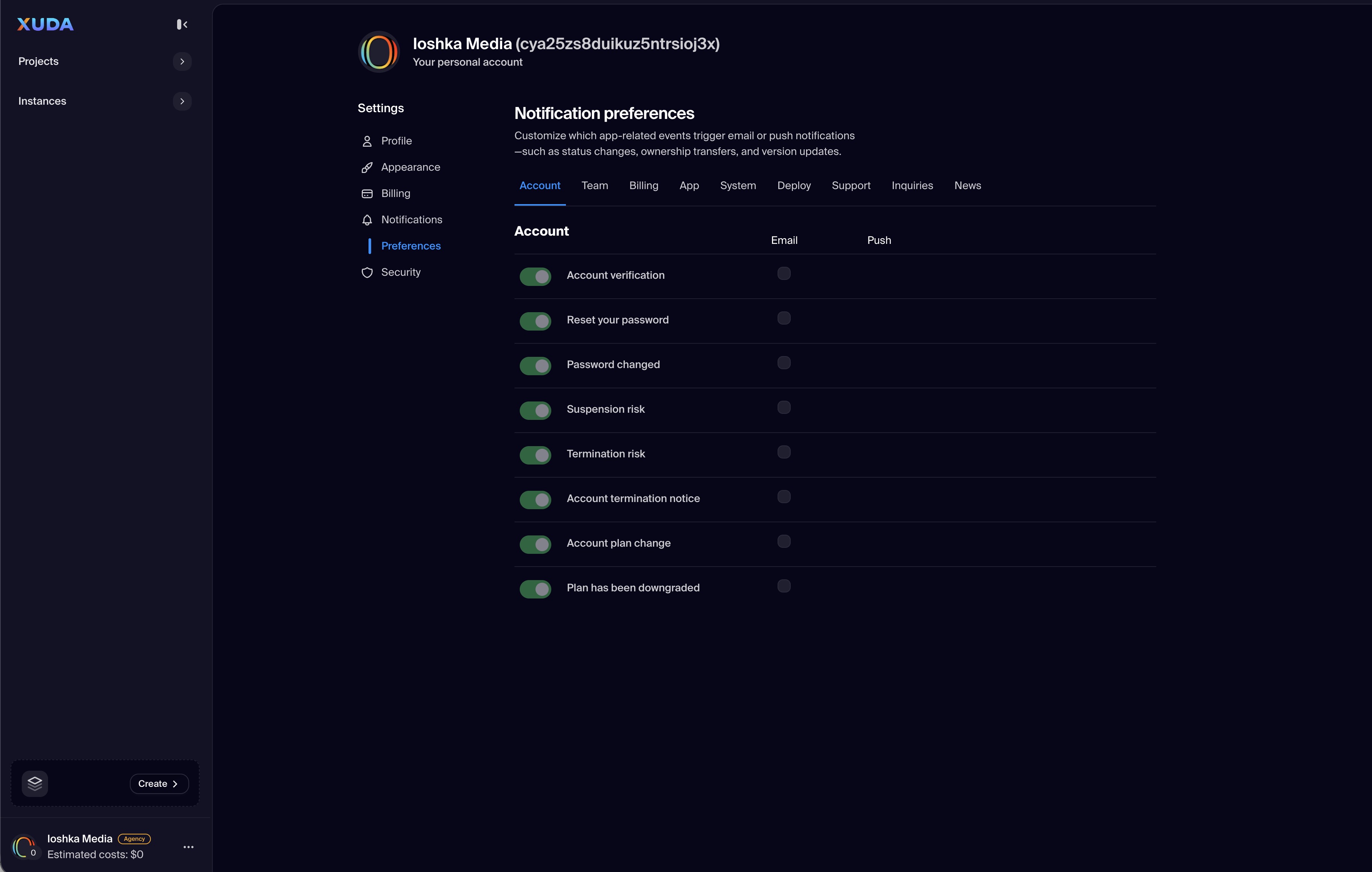
The Notifications section allows users to customize how and when they receive updates from Xuda. Within this tab, users can manage Preferences that define which activities generate alerts—such as project changes, billing events, or security notifications—and choose delivery channels including in-app, email, or desktop alerts.
Each preference can be toggled individually, enabling a tailored notification strategy that minimizes noise while keeping users aware of critical system updates and collaborative actions. These configurations ensure consistent communication across projects, instances, and marketplace interactions.
Customizable Preferences
Enable or disable notifications for events like billing updates, deployment changes, and team invites with simple toggle controls.
Delivery Channels
Choose how you receive alerts—via email, in-app messages, or desktop pop-ups—to fit your workflow.
Priority Filtering
Prioritize critical system alerts while muting less important updates to maintain focus during development.
Cross-Platform Sync
Notification settings automatically sync across all devices, ensuring a consistent experience no matter where you log in.
Instant Save
All preference changes are applied in real time, with immediate confirmation for reliable and frictionless configuration.
Xuda is the platform for frontend developers, providing the speed and reliability innovators need to create at the moment of inspiration.