Navigate your workspace with ease.
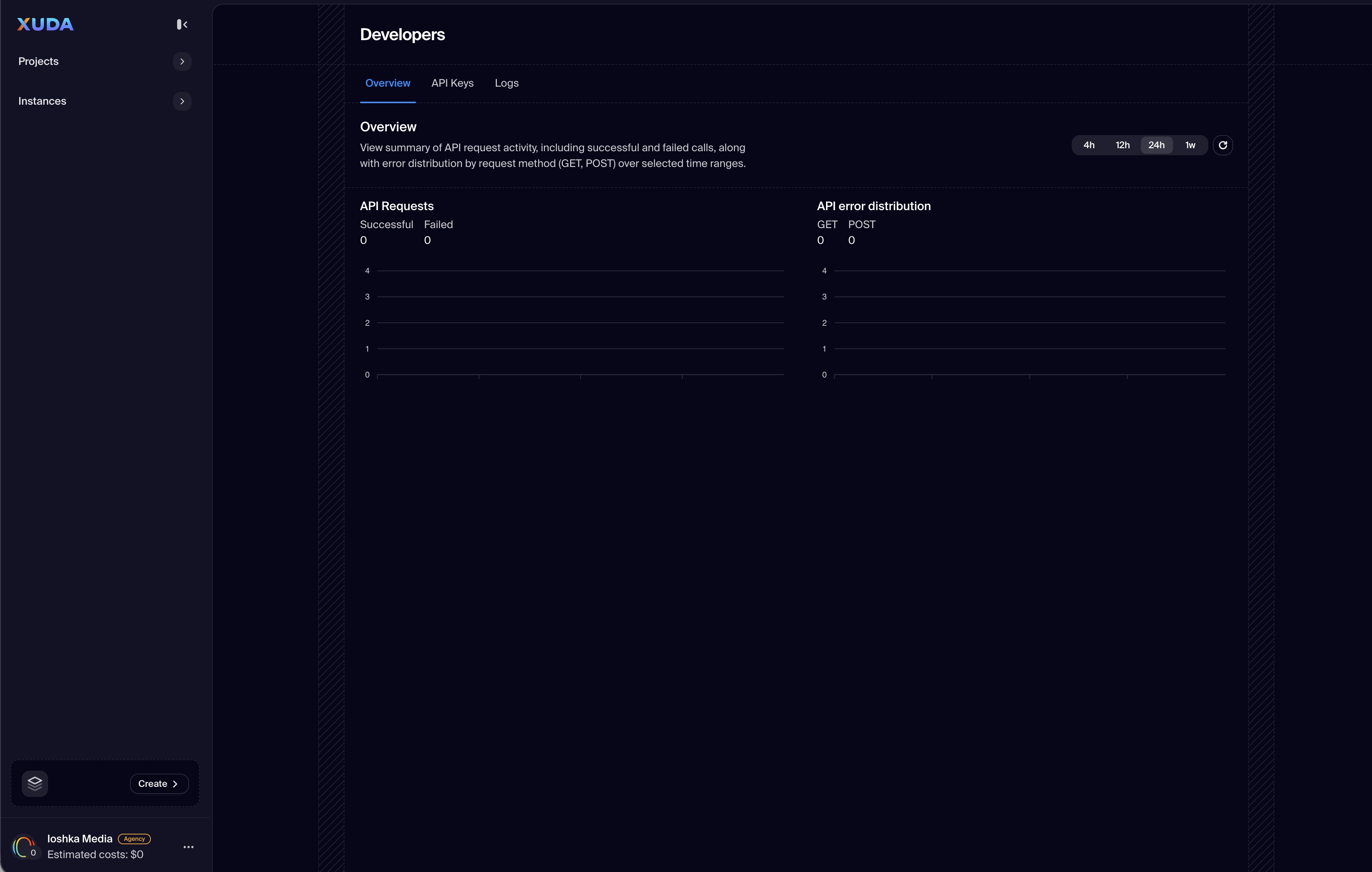
The User Dashboard Menu provides centralized navigation across all core areas of the Xuda ecosystem. Designed for clarity and quick access, the menu allows users to manage their projects, instances, and account settings seamlessly from a unified interface.
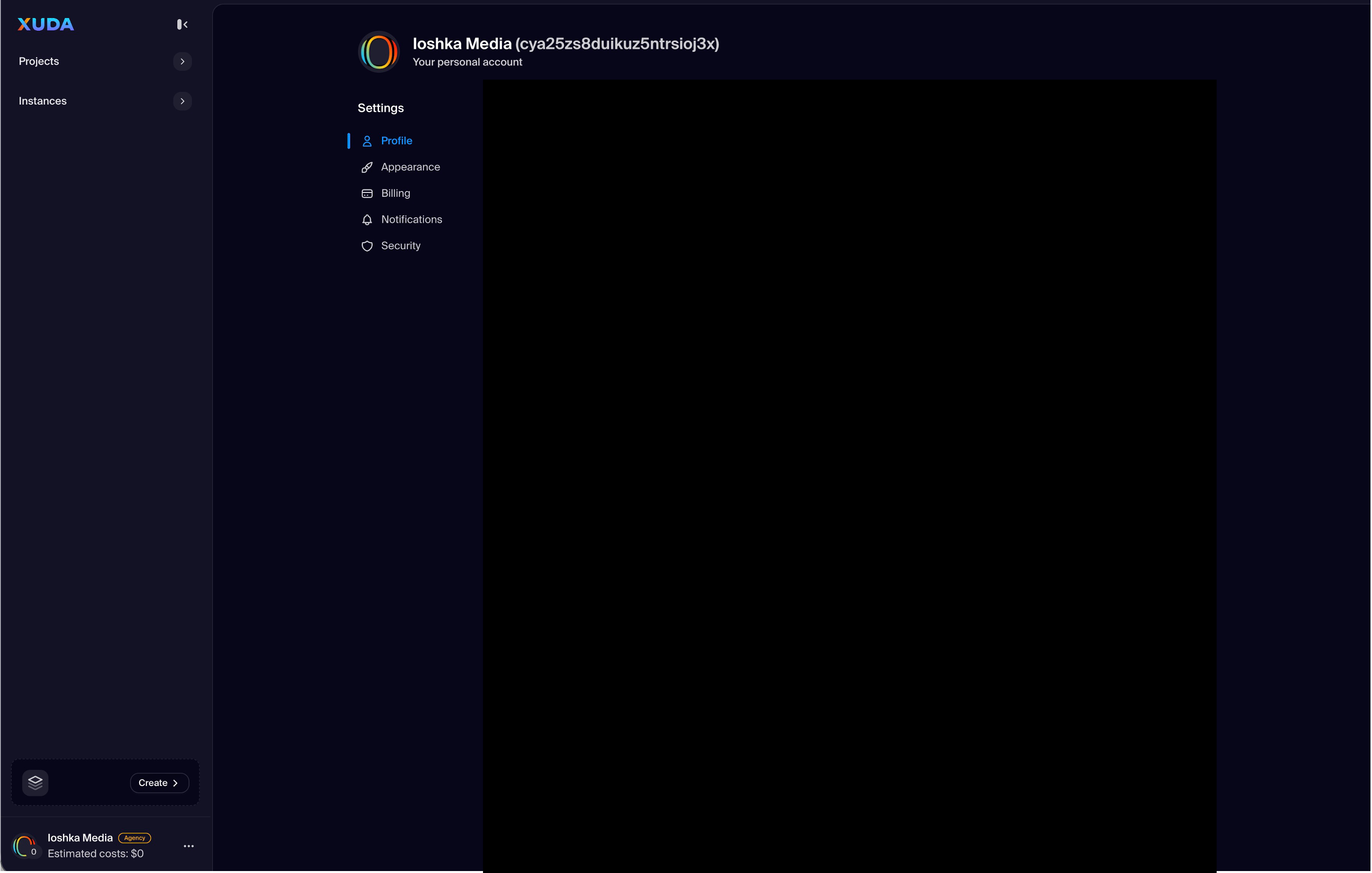
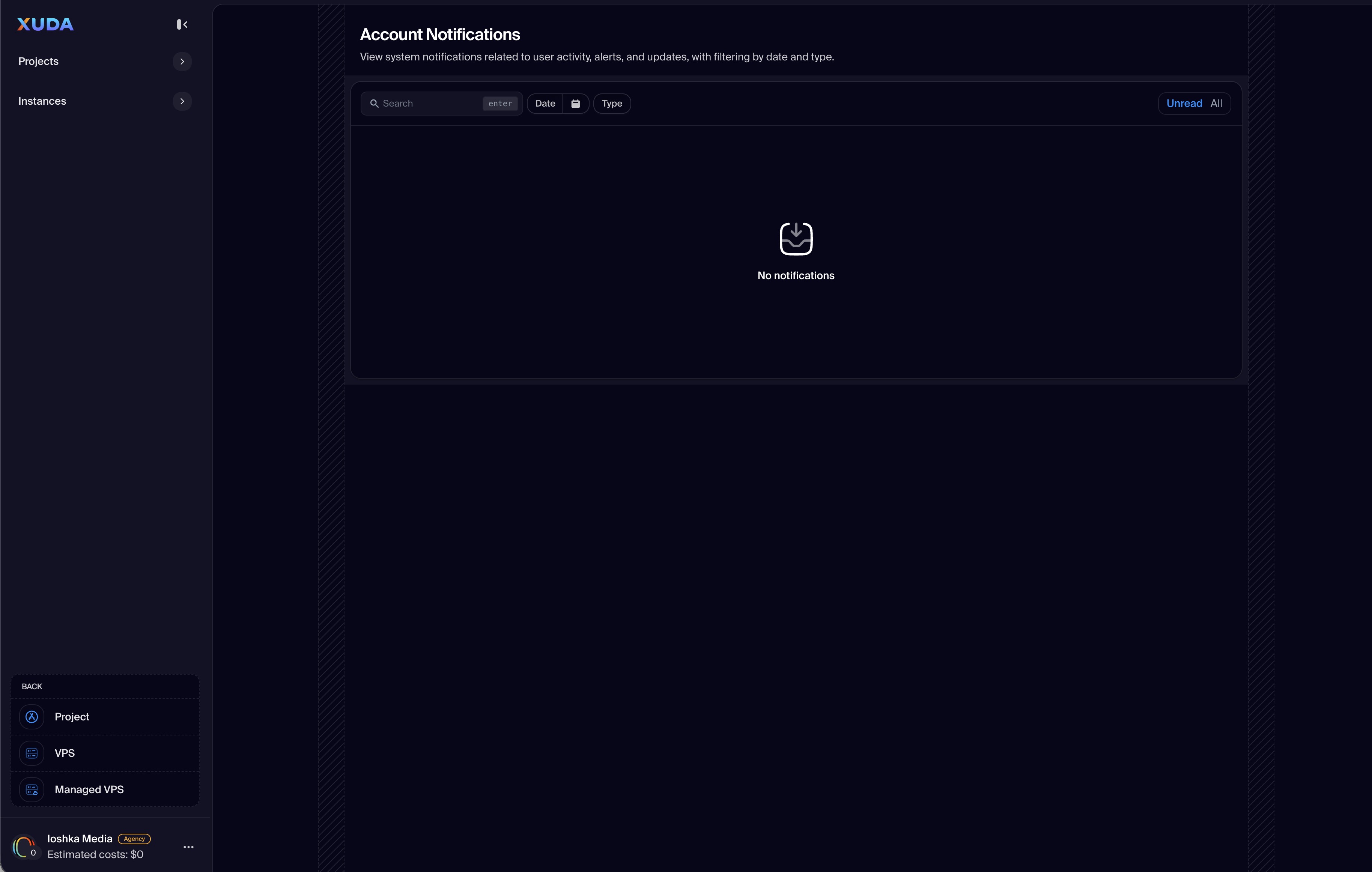
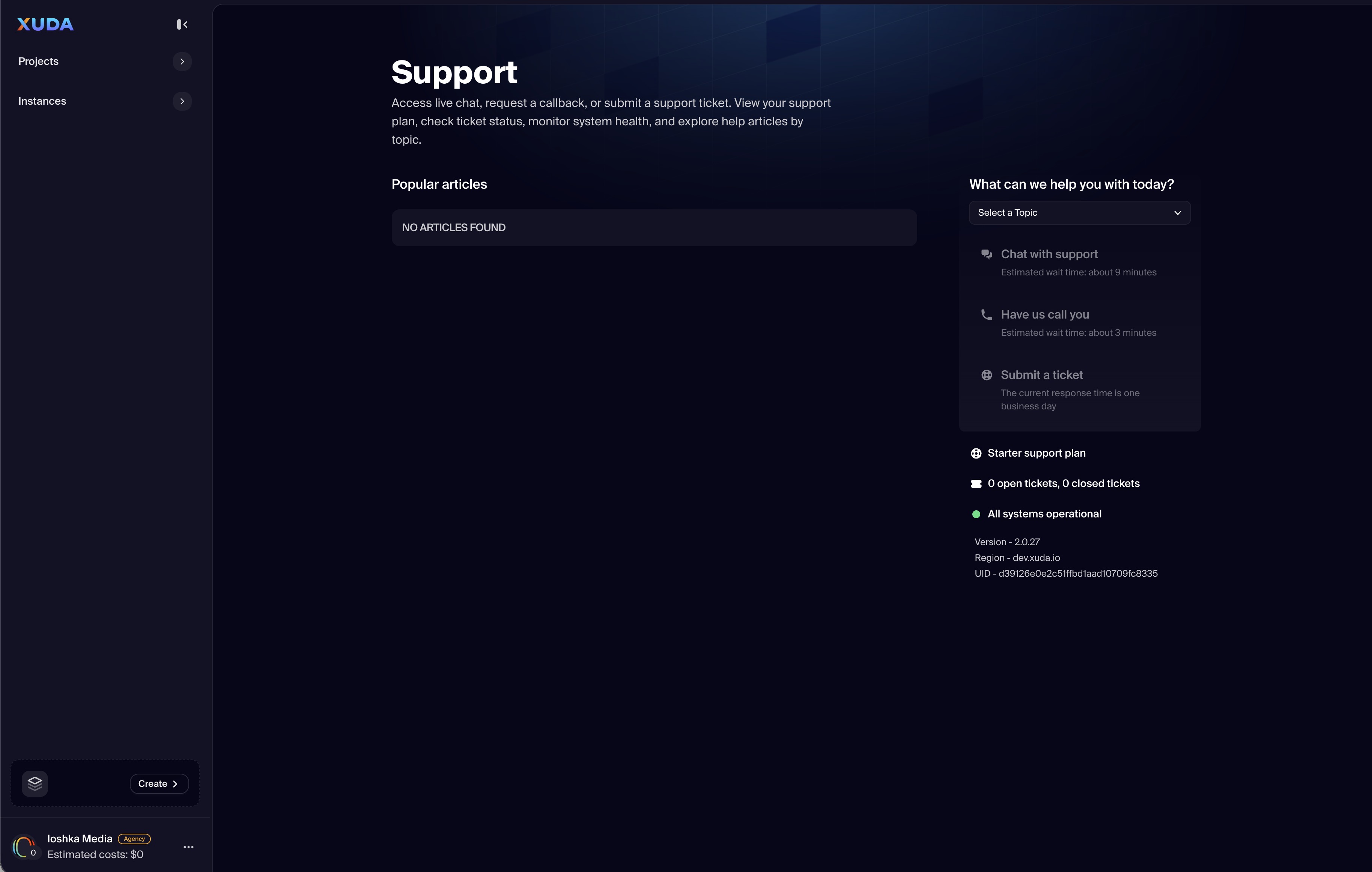
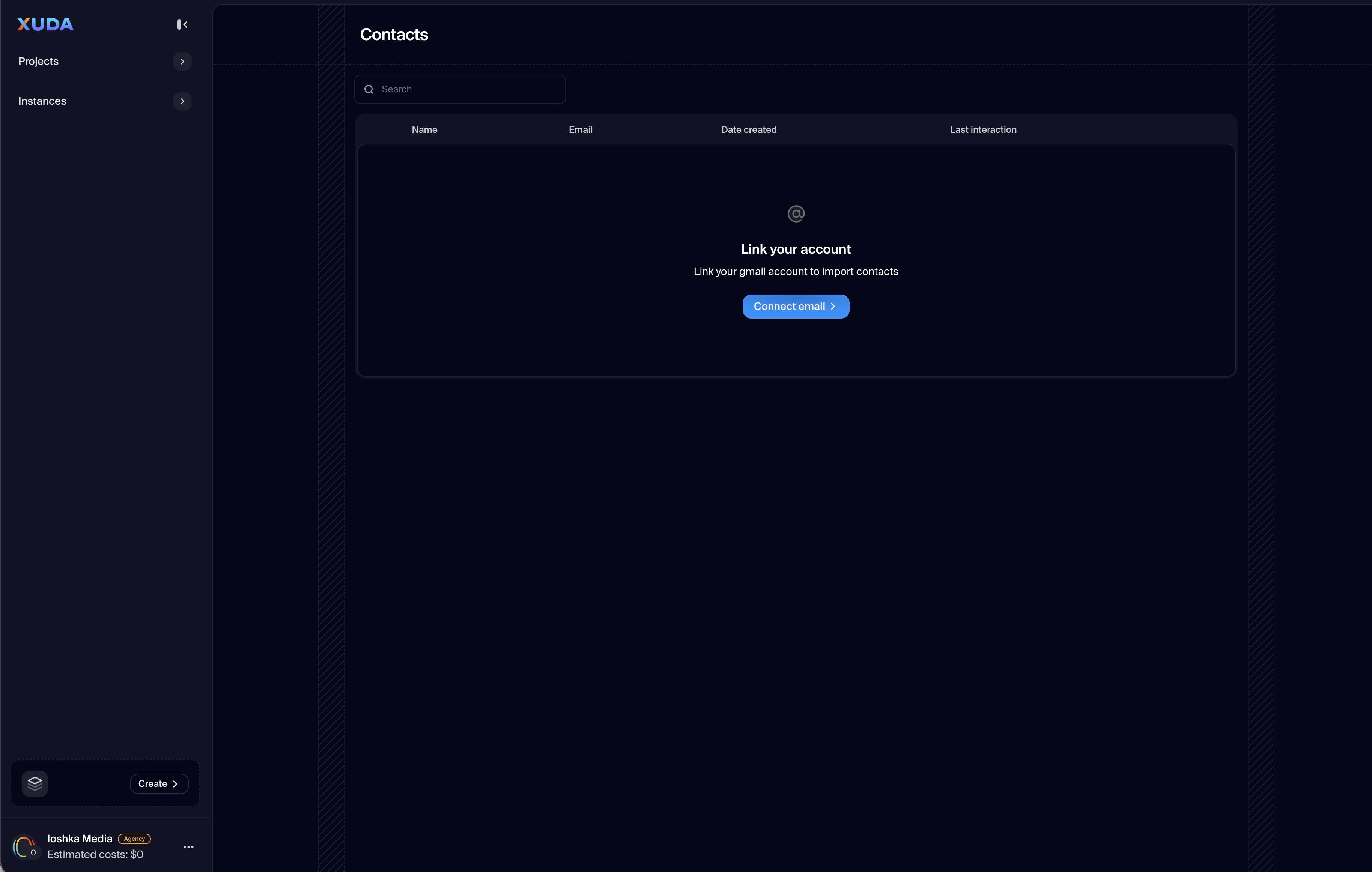
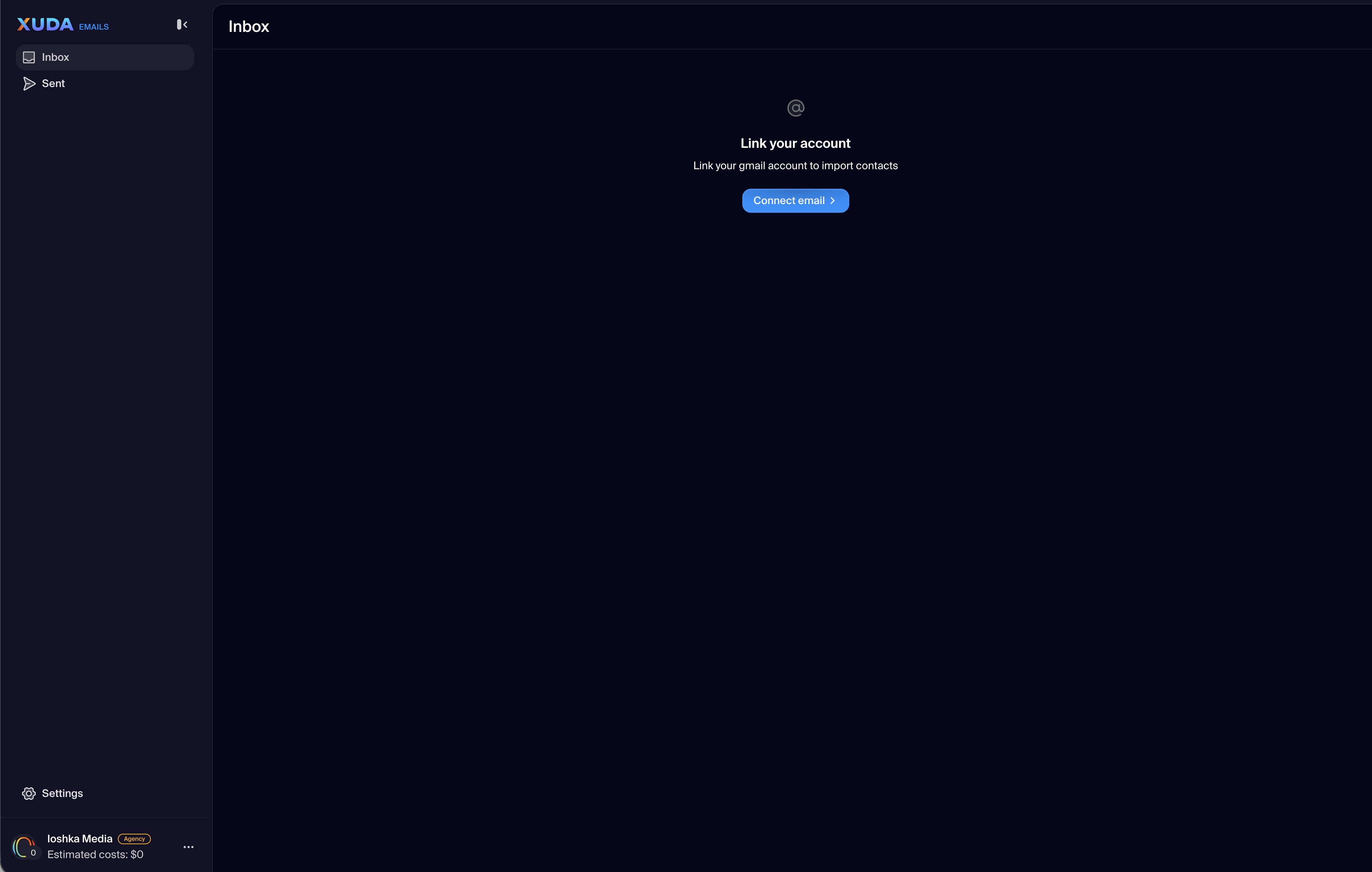
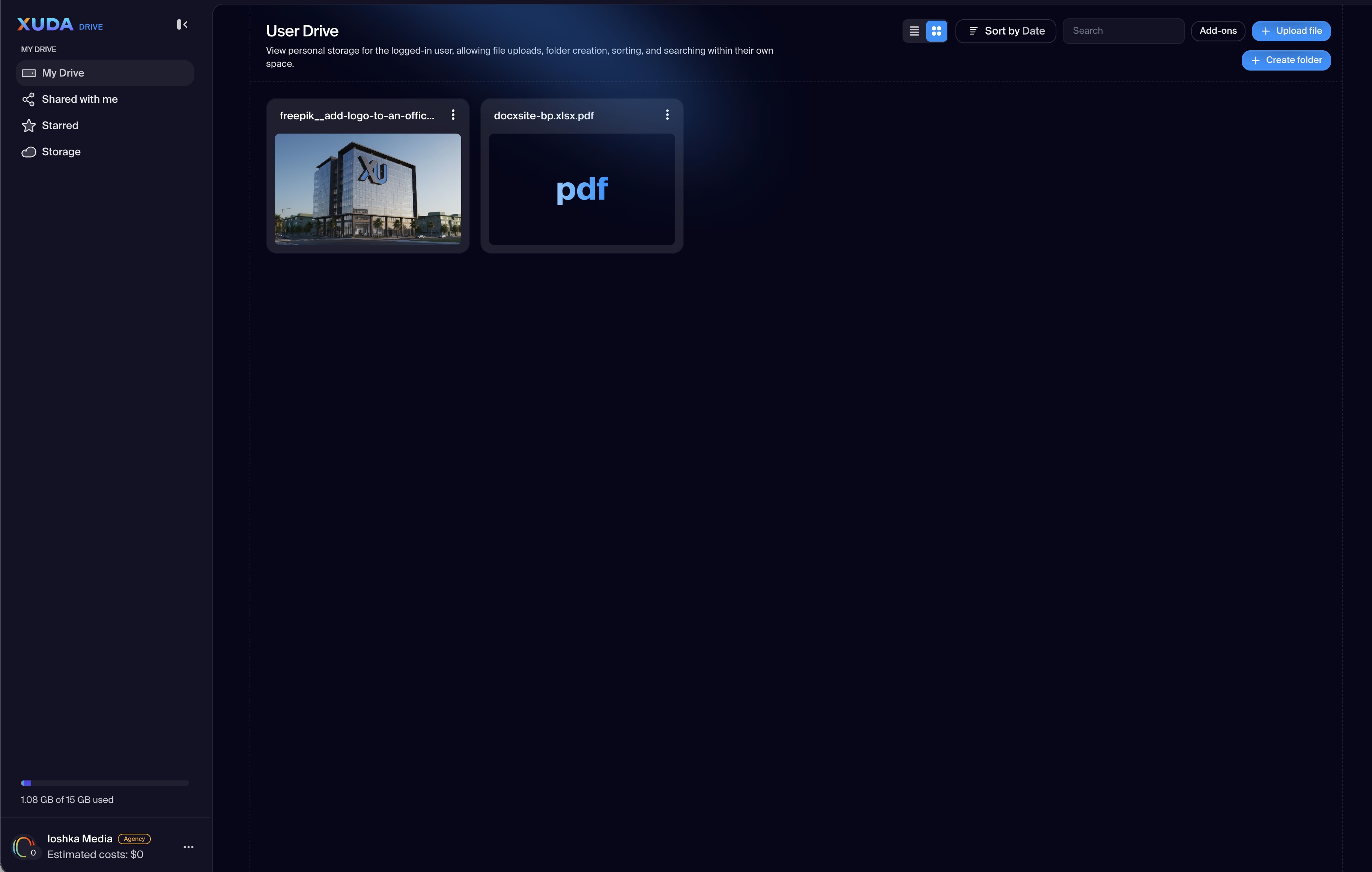
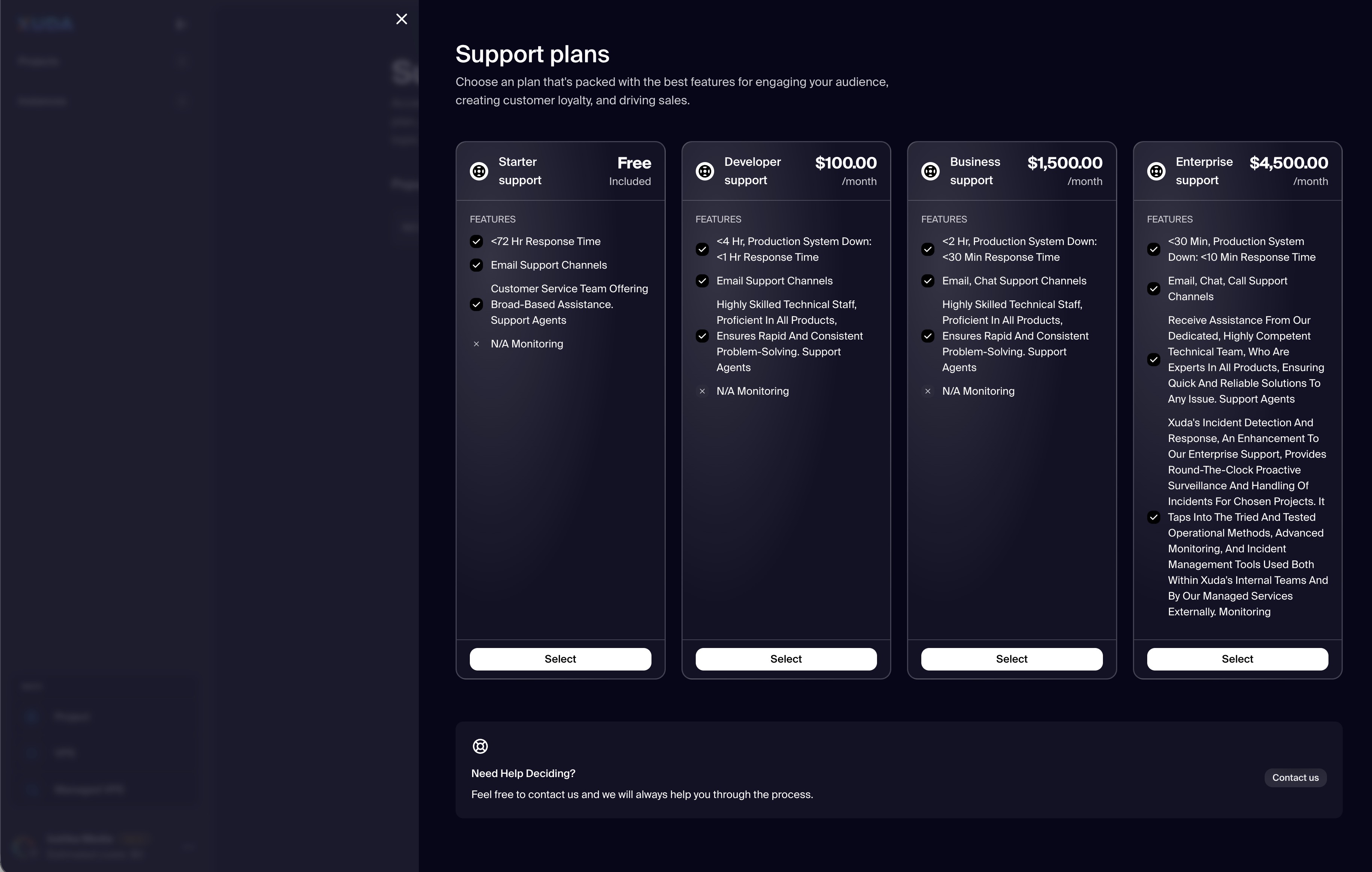
From this left-side panel, users can navigate to the main Dashboard, adjust Settings, monitor Notifications, access Support and Contacts, and manage resources like Emails and Drive. A footer section provides quick access to Theme toggling, Logout actions, and real-time cost estimation per workspace. The design focuses on usability, workspace awareness, and efficient context switching across projects and instances.
Unified Access
Switch between Projects, Instances, and global account tools from a consistent, left-aligned menu.
Personalized Workspace Controls
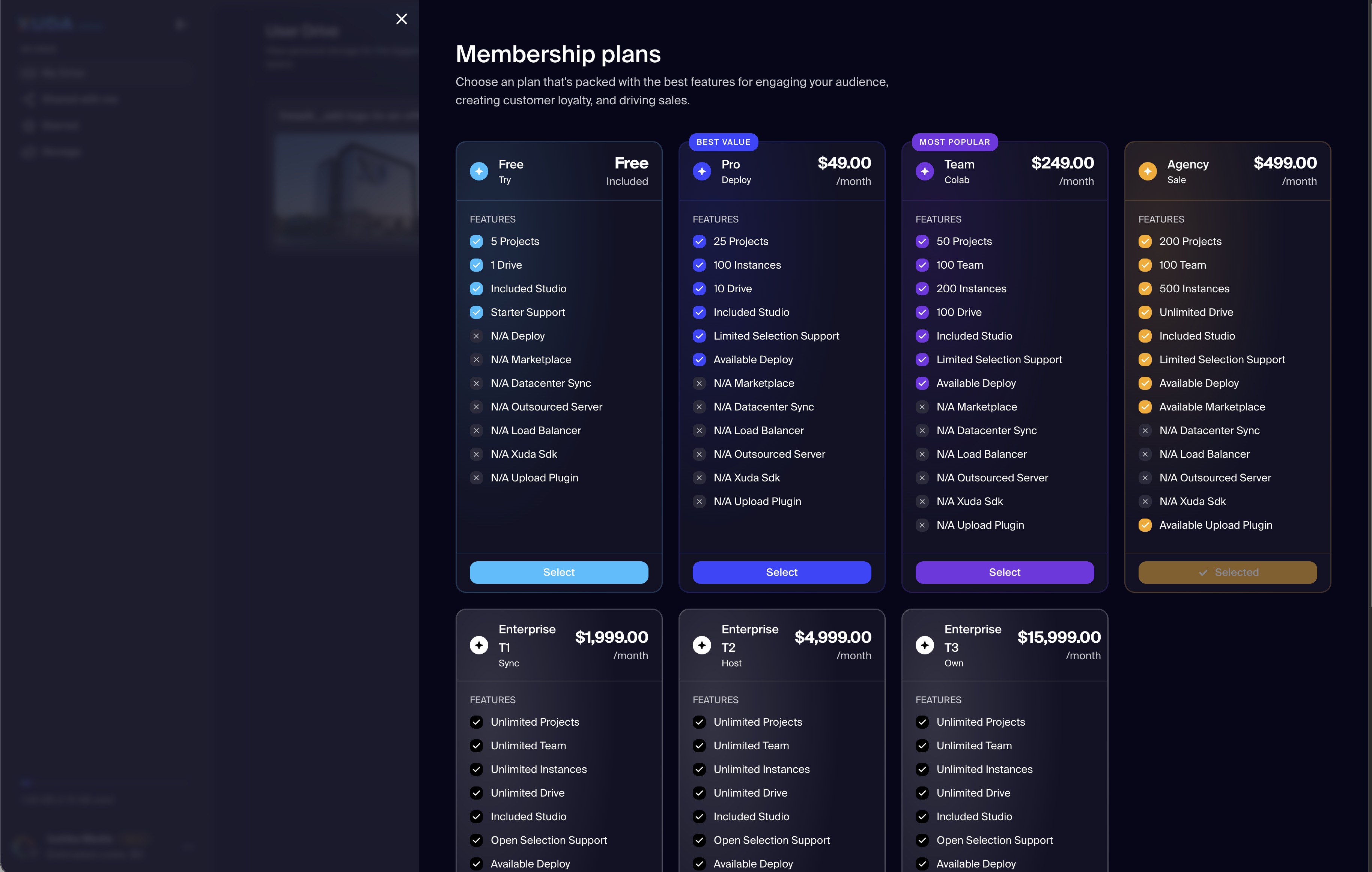
Access emails, drives, and billing plan details under your user account — keeping all workspace essentials one click away.
Support and Notifications
Check notifications, contact support, and manage communication directly within the menu — ensuring help and updates are always within reach.
Visual Theme and Preferences
Toggle between light and dark themes and personalize your viewing experience instantly.
Xuda is the platform for frontend developers, providing the speed and reliability innovators need to create at the moment of inspiration.